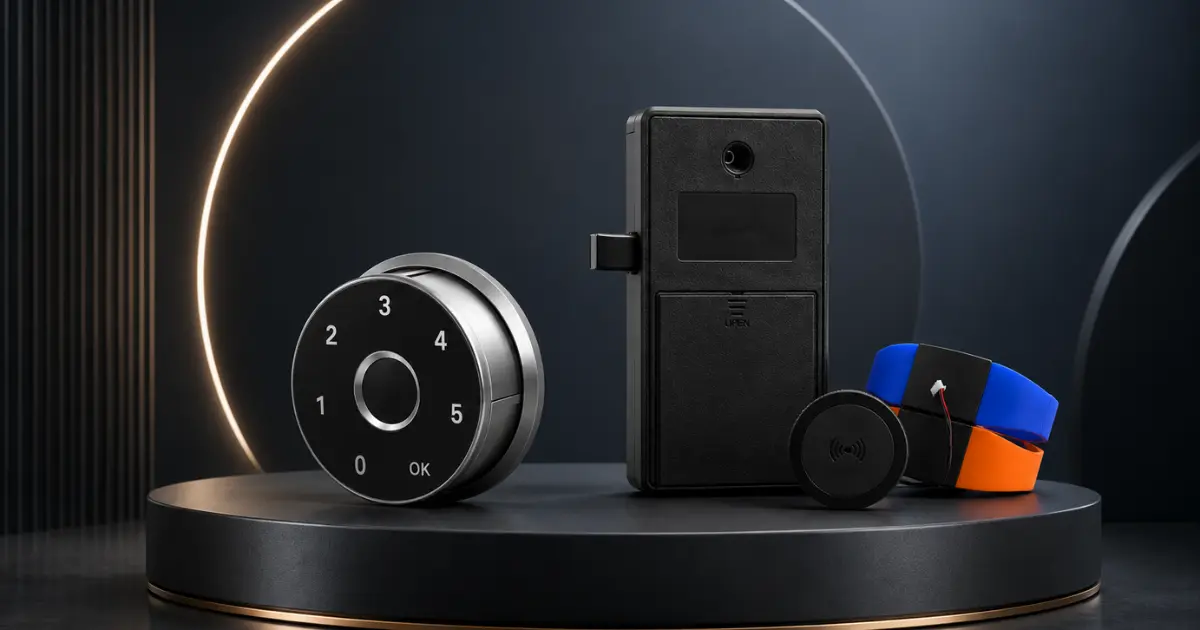
Most people don’t pay much attention to cabinet locks until they have a problem. A key is lost, a kid gets into something they shouldn’t, or you need to know who is accessing shared storage at work. These are common day-to-day situations. A smart cabinet lock handles all these situations easily.
This guide will walk through everything worth knowing about smart cabinet locks, what they are, the different types, and what to look for when buying one. Whether it’s for a home, office, medical, or retail space, this will help make an informed decision.
What Are Smart Cabinet Locks?
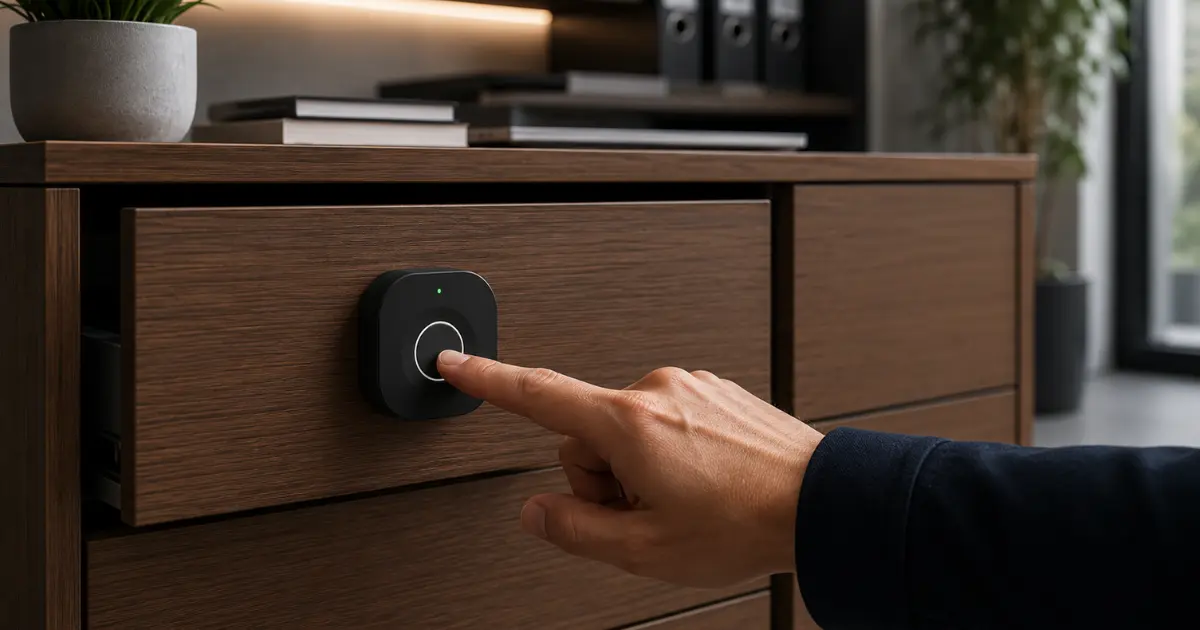
Smart cabinet locks are electronic locking systems that replace traditional key-based locks on cabinets, drawers, and storage units. They use technology, such as a fingerprint, a PIN code, an RFID card, or a Bluetooth signal to control access instead of a physical key. They are easier to use and, in most cases, more secure than standard mechanical locks.
How Smart Cabinet Locks Work
The basic idea is straightforward: an electronic device operates a bolt or latch, and the lock opens only with the correct credential. The lock takes the input (fingerprint scan, code, tap of a card, etc.), authenticates it, and then triggers the unlock. Most models run on standard batteries, and the entire process takes less than a second. Almost all smart locks also have a backup way to get in, such as a physical key or an emergency PIN, in case the primary method is unavailable.
Types of Digital Cabinet Locks
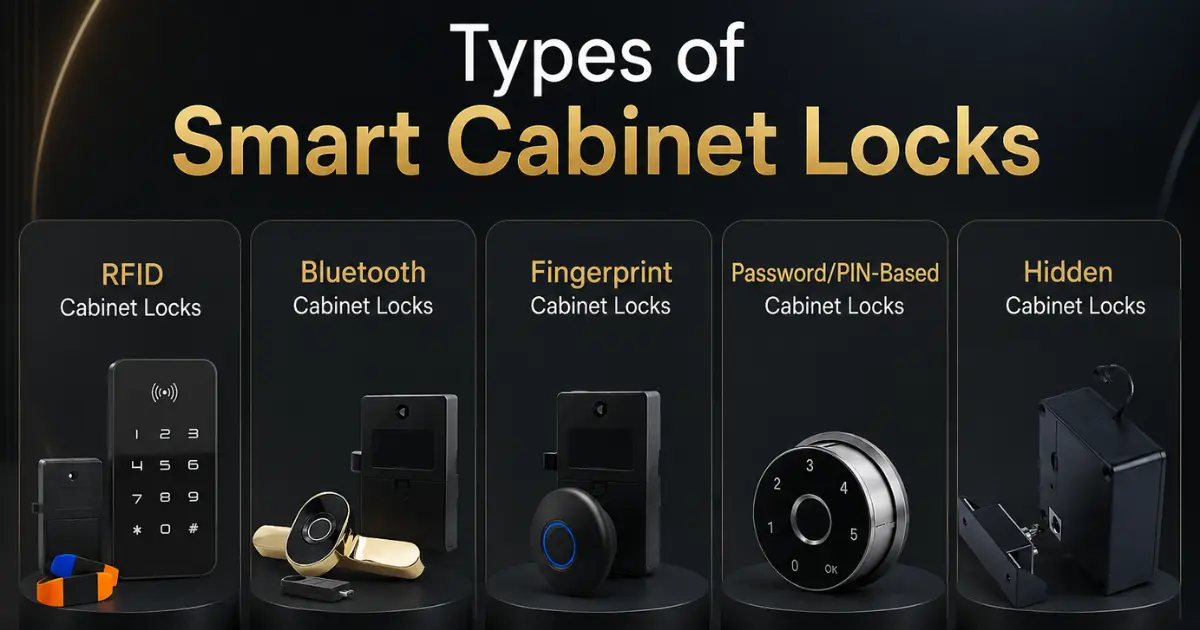
RFID Cabinet Lock
RFID locks work with a card, key fob, or wearable tag to provide access. Tap or hold the card near the lock, and it will open. These are simple to use and very reliable. There are no biometric sensors to maintain, and access can be managed easily by issuing or cancelling cards. They work well in offices or shared spaces where multiple people need regular access to the same cabinet.
Fingerprint Cabinet Lock
A fingerprint cabinet lock scans a registered fingertip and opens within a second. There’s nothing to carry and nothing to remember; the fingerprint itself is the key. These are a great choice anywhere access needs to be restricted to specific individuals, such as in medical storage, document cabinets, or for personal valuables. Most models can store multiple fingerprints, so access can be shared with a small group if needed.
Bluetooth Cabinet Lock
A Bluetooth cabinet lock connects to a smartphone. Access is granted through an app, and some models even open automatically when an authorized phone is nearby. These locks are popular for their access management features – usage logs, time-restricted access, and remote control. For anyone who wants visibility into who is using a cabinet and when, a Bluetooth model is the most capable option.
Password/PIN Cabinet Lock
PIN locks use a numeric keypad. Enter the correct code, and the cabinet will open. These are simple, affordable, and reliable, no cards, no phones, no biometrics required. They are suitable for personal use or smaller teams where sharing code is manageable. It is worth changing the PIN periodically and sharing it with those who genuinely need access.
Hidden Cabinet Lock
A hidden cabinet lock is built into the cabinet in a way that makes it invisible from the outside. There is no visible keyhole, keypad, or sensor. Access is typically through a magnetic key or RFID card held near a specific area of the cabinet surface. Because there is nothing visible to indicate a lock is present, these are particularly effective for securing valuables discreetly or for childproofing without drawing attention to the lock itself.
Also Read: Solity vs Adel vs Epic: Top Smart Lock Brands in India
Key Features of Smart Cabinet Locks
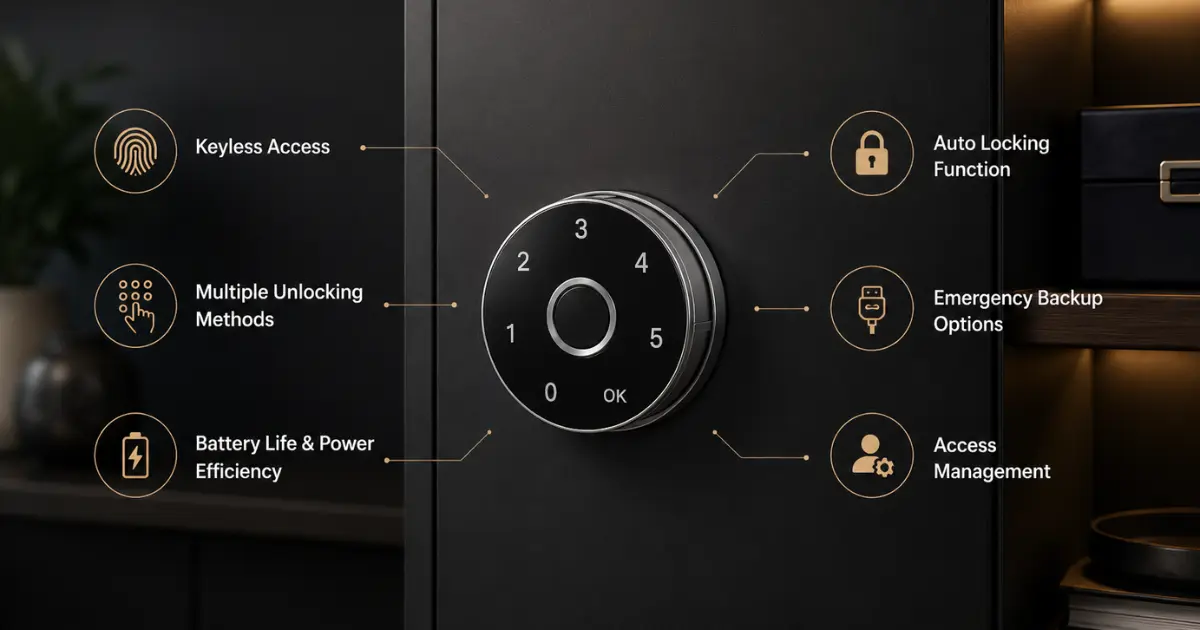
Keyless Access
Keyless access eliminates the need for physical keys. There is no risk of a key being copied, lost, or given to the wrong person. Access is tied to a credential, a fingerprint, code, or card that can be changed or removed as needed.
Multiple Unlocking Methods
Many digital cabinet locks have more than one way to unlock. A lock might accept a pin, a fingerprint, and a backup key. This is useful because if one approach does not work in a particular situation, there is another approach to fall back on. It allows flexibility without compromising security.
Auto Locking Function
Auto-lock secures the cabinet automatically after it has been closed, without any manual action required. This is particularly useful in workplaces or medical environments where leaving a cabinet unlocked even briefly is not acceptable. It takes the responsibility of remembering to lock up out of the equation.
Emergency Backup Options
A good smart lock always has a backup. Typical backup options include:
- A physical emergency key stored with the lock body
- A backup PIN that works if biometric authentication doesn’t
- An external power port so the lock can be temporarily powered when the battery runs out
Before you purchase any smart lock, it is worth checking what backup options it includes.
Battery Life & Power Efficiency
Most smart locks for cabinets are designed to use very little power, using standard AA or AAA batteries. In normal use, batteries typically last from 12 to 18 months. Quality models come with a low-battery alert, a light, or a sound well before the battery dies, so there is time to change it without any disruption.
Access Management
One of the most helpful features of app-connected smart cabinet locks is the ability to manage access. It allows:
- Adding or removing users without physically changing the lock
- Time-based access settings, for example, access only during working hours
- Viewing a log of when the cabinet was opened and by whom
- Failed Access Attempt Notifications
This level of control is genuinely useful for businesses or shared environments and hard to achieve with a traditional lock.
Also Read: Beginner’s Guide to Smart Locks: How They Work & Why You Need One
Benefits of Using Digital Cabinet Locks
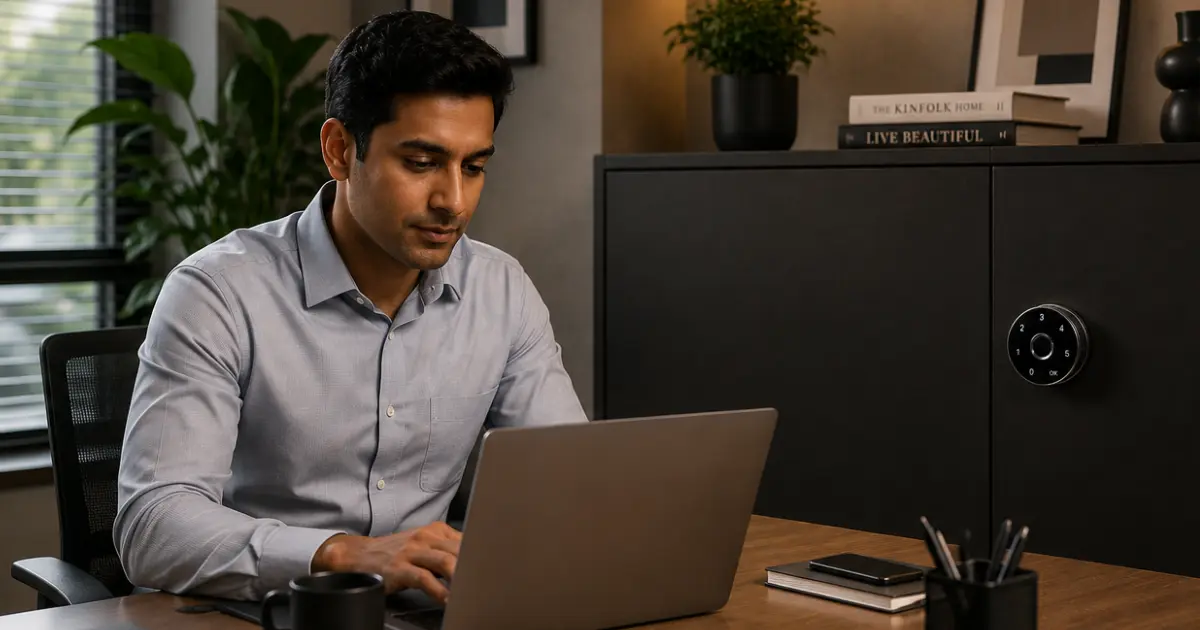
Switching to a smart lock offers practical advantages besides just convenience:
- Better Security: Physical keys can be lost, copied, or distributed without permission. Digital credentials, fingerprints, and encrypted codes are tougher to hack and easier to control.
- Childproofing: Hidden or biometric locks prevent kids from accessing medications, cleaning products, or sharp items stored in cabinets, without the need for an obvious lock that a child may try to tamper with.
- Access Records: In an office or shared space, knowing when and who accessed a cabinet adds accountability. This is particularly important in regulated industries.
- No Key Management: There are no keys to duplicate, track, or replace. Access is controlled through the software or settings of the lock.
- Flexible Access Sharing: Granting access to a colleague, a family member, a service technician, or anyone else takes seconds. So does removing it when it’s no longer needed.
- Clean Appearance: Many smart locks, particularly hidden models, have a very minimal or concealed design that doesn’t affect the look of the cabinet.
How to Choose the Best Smart Cabinet Lock
Choosing the right lock comes down to a few practical questions:
- What kind of cabinet is it? A glass cabinet lock needs hardware designed for glass, usually adhesive or clamp-based rather than screw-mounted. Always check that it works with the cabinet type before buying.
- How many people need access? For personal use, a fingerprint lock is simple. In the case of a shared environment, an RFID or PIN-based system where multiple credentials can be managed is more feasible.
- Is remote access or logging needed? If yes, then a Bluetooth or app-connected model is the right direction. If not, a simple standalone lock will do just as well.
- What are the installation requirements? Some locks will need to be drilled and fitted. Others stick with adhesive or surface mounts. It is worth checking what the installation involves before committing to a model.
- What is the budget? Feature-rich models cost more, but not every use case requires every feature. Match the lock to what is actually needed, not the most advanced option available.
Conclusion
Digital cabinet locks are a practical, reliable upgrade over traditional key-based systems. They are more convenient to use, offer better control over who has access, and work well across a wide range of settings, such as homes, offices, medical facilities, retail spaces, and more. With options ranging from simple PIN locks to app-connected fingerprint cabinet lock with full access logs, there is a solution for every need and budget.
For anyone looking to explore their options, Jal Digital System offers a range of smart cabinet locking solutions suited to both residential and commercial use. Choosing the right lock is about finding what fits the situation, and these systems make it straightforward to do exactly that.
Frequently Asked Questions
Most smart cabinet locks have a backup, either a physical emergency key or an external power port where a portable charger can temporarily power the lock to open it. The battery dying does not mean a permanent lockout.
Yes. They are generally more secure than traditional key locks. Fingerprint data is stored locally on the device and encrypted. Bluetooth models use secure communication protocols. Choosing a reputable brand with proper security standards is important.
Yes. Most smart cabinet locks, including fingerprint, PIN, and RFID models, work completely offline. The Internet is only needed for certain cloud-based features in advanced Bluetooth models. Normal day-to-day access does not require a network connection.
Typically, 12 to 18 months under normal use. The lock will give a low-battery warning, usually a light or sound, before it runs out, so there is time to replace the batteries without any disruption.
