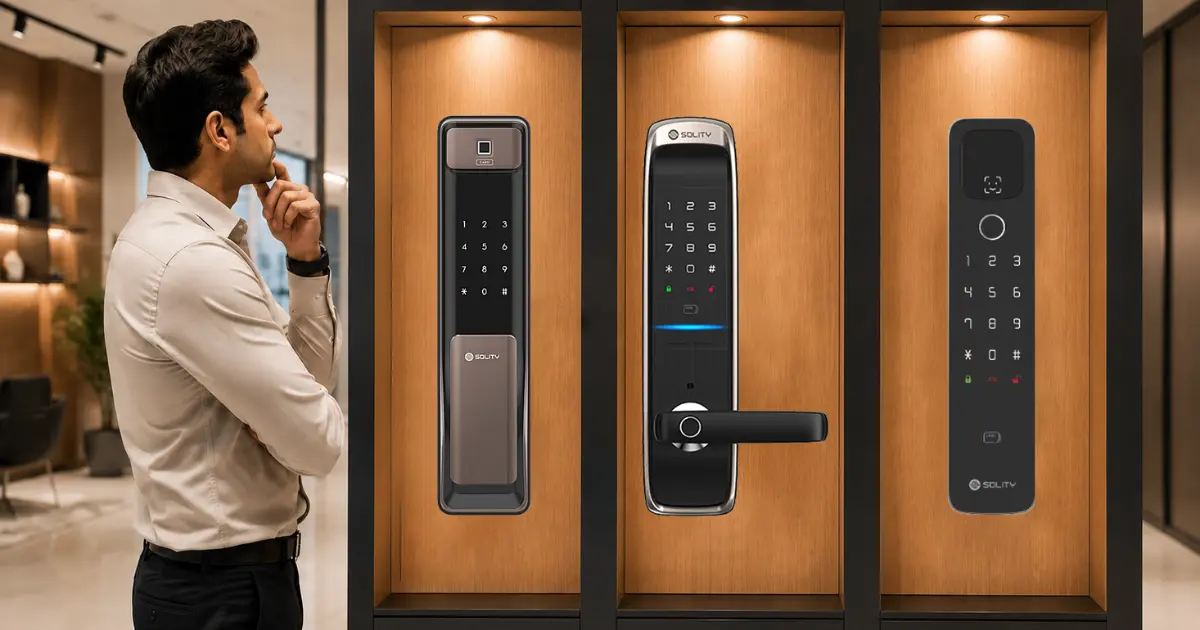
More homes and offices across India are switching to a smart door lock every year, and it’s not hard to see why. No more hunting for keys; guests can be let in without being home, and there is a clear record of who is coming and going. But once the search actually begins, the number of models, brands, and features can feel like a lot to sort through. This guide covers how to choose a smart lock step by step, so the final choice actually fits the door, the household’s habits, and the budget.
Whether it is a first smart lock for home use or an upgrade for an office, this guide is written to make sense even for someone who has never owned one before. It focuses on the features that truly matter, helping readers choose a lock that offers convenience, reliability, and better home security.
What Is a Smart Lock and How Does It Work
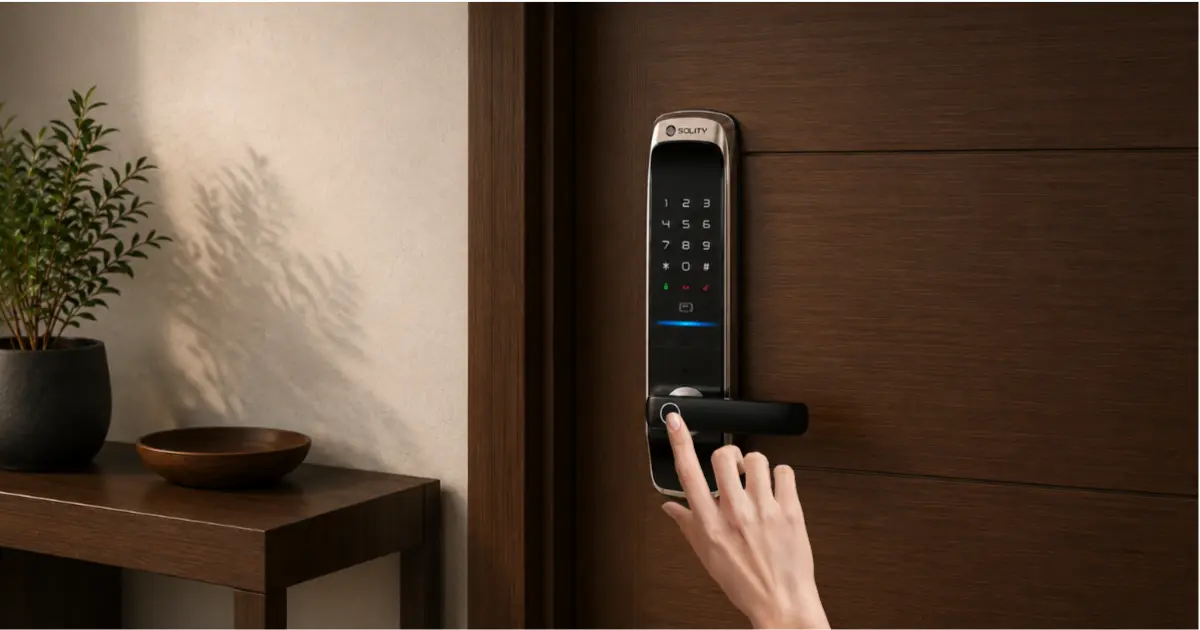
A smart lock is a door lock that opens without a traditional metal key. Instead, it uses a PIN code, a fingerprint, an app on a phone, or a card, depending on the model. Most smart locks still function like a typical deadbolt; they just offer more ways of entry into the lock.
Types of Smart Locks
There are two key categories worth knowing before shopping. If your front door already has a deadbolt, a retrofit lock may be a suitable option. A retrofit lock is a smart lock that replaces just the inner mechanism of your existing deadbolt. This makes it a great option for renters, who can’t have major changes made to their door. Unlike a single-cylinder deadbolt, which only provides a stronger solution, a full replacement lock replaces everything, including the strike plate. Further, it comes with considerably more features. Push-pull locks, mortise locks, rim locks, cabinet type locks, etc are also present in these, each suited to a different door.
How Smart Locks Communicate
Smart locks communicate with your phone or hub either using Bluetooth, Wi-Fi, Zigbee, or Z-Wave through another hub. This is a bigger deal than one would assume, since this will decide whether the door can be locked from another city or only from just outside. The differences are covered next.
Key Factors to Consider Before Buying a Smart Lock
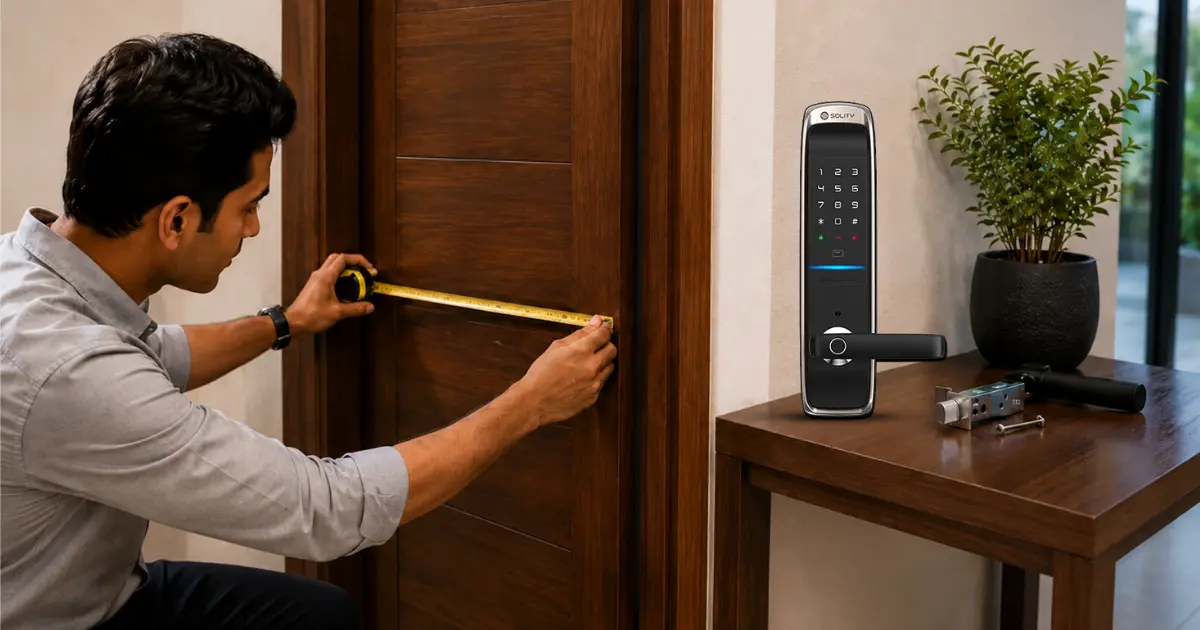
This is the part of the smart lock buying guide most people skip, and then regret skipping. Going through these factors before buying saves a return or an awkward installation day.
1. Compatibility With Your Door
Before anything else, check the door thickness, the backset (the distance from the edge of the door to the center of the lock hole), and what kind of deadbolt is currently installed. A lock that looks great online may simply not fit the door. If in doubt, measure the door and share the numbers with a supplier before ordering; it is the safest approach.
2. Connectivity Type (Wi-Fi vs Bluetooth vs Hub-Based)
Wi-Fi locks connect directly to the home network, so the door can be locked or unlocked from anywhere, but they lean on a reliable router and can drain batteries faster. Bluetooth locks are more private and use less power, but they only respond when a phone is within range. Hub-based locks sit in between; remote access is possible, but it needs an extra device running at home. None of these is universally “better”; it depends on how often the lock needs to be controlled from outside.
3. Power Source and Battery Life
Most smart locks use standard AA batteries, like those in a remote control. Most models will last from six months to a year under average use and climate conditions. Choose a lock that has a low battery alert, a bonus if it has an external power option using a USB port on the outer panel, to never be locked out due to a dead battery.
4. Access Methods (Keypad, App, Fingerprint, Key Fob, Physical Key Backup)
A good keyless door lock usually offers more than one way in. A keypad code is convenient for family access, a fingerprint smart lock ensures quick entry for regular users, while an app serves well for remote guests. Choose a model that features a physical key backup or an override in case of emergency, because phones run out of battery and fingerprint sensors can misread in very high heat or extreme moisture.
5. Smart Home Integration (Alexa, Google Home, Apple HomeKit, Matter)
For a household already using smart speakers or a smart home app, check whether the lock works with that ecosystem. Matter is a newer, shared standard that is slowly making different smart home brands work together more smoothly, so a Matter-compatible lock adds a bit more flexibility for adding more smart devices later.
6. Remote Access and Guest Permissions
This feature matters a lot for anyone who hosts guests, rents out a property, or wants to let in a cleaner or relative while at work. A good app allows temporary codes that expire automatically, so nobody has to manually remove access after every visit.
7. Price Range and Value for Money
Smart locks in India roughly fall into three bands: budget models with basic keypad and app access, mid-range locks that add fingerprint access and better build quality, and premium options with advanced sensors, sturdier metal bodies, and longer warranties. Set a budget based on how the door is used. A main entrance usually deserves a better lock than a cabinet or internal door.
Also Read :- Complete Guide to Smart Cabinet Locks: Features, Types, Benefits
Smart Lock Features Worth Prioritizing
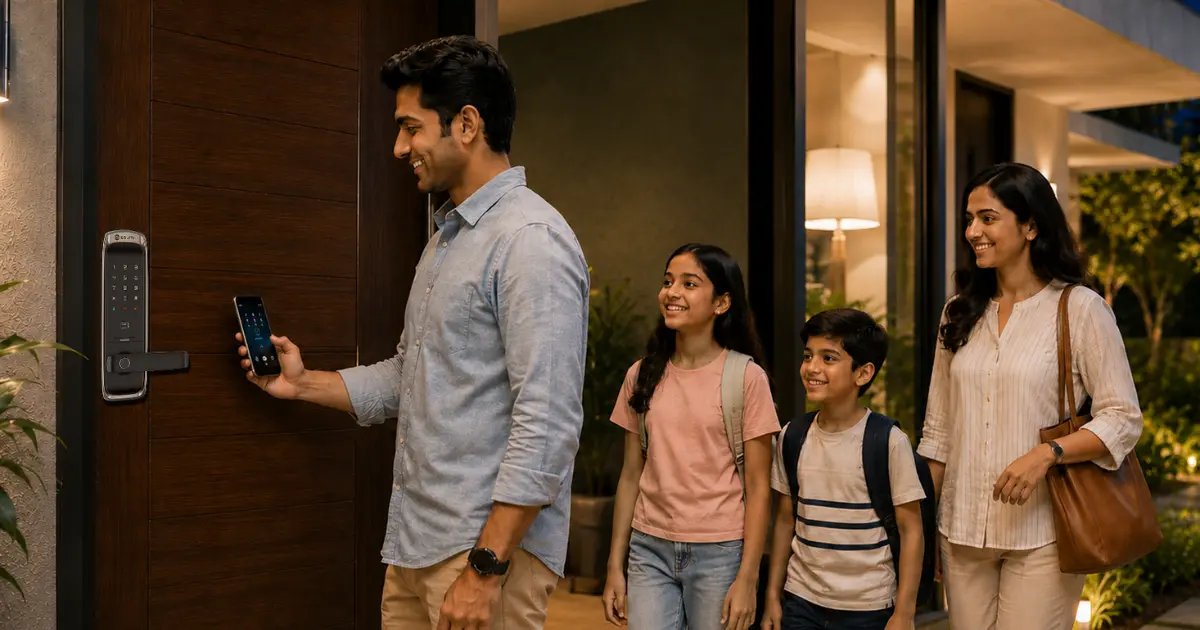
Auto-Lock and Auto-Unlock
This locks the door automatically after a set number of seconds, which is really useful for anyone who tends to forget. Auto-unlock that detects when a phone is coming near is a nice extra, but drains the battery faster.
Activity Logs and Notifications
It’s a real relief to see who unlocked the door and when, especially in a shared home, office or rental property.
Tamper and Break-In Alerts
A lock that alerts if someone is trying to break in or enters the wrong code too many times adds a real level of protection beyond just convenience.
Weatherproofing for Exterior Doors
If the lock is going on a main door exposed to sun or rain, check for a weather-resistant rating.
Also Read :- Best Home Security Systems for Apartments in 2026
Smart Lock Security: Is It Safe?
This is usually the first thing people raise, and it is a fair one.
Common Security Concerns (Hacking, Signal Jamming, Lock Picking)
Like any connected device, a smart lock can theoretically be targeted through weak encryption, signal interference, or basic lock-picking if the hardware is poorly made. In practice, well-built locks with strong encryption and quality internal mechanisms make these risks quite low, but the quality of the brand and hardware genuinely matters here.
How to Vet a Brand's Security Practices
Before buying, check how often the brand releases firmware updates, whether they have a track record of fixing known issues quickly, and whether the product has any independent certification. A brand that stays quiet about updates is usually one to be cautious about.
How to Choose the Right Smart Lock for Your Home Door
- For a simple checklist to follow while comparing options, here it is.
- Measure the door and confirm what type of lock body it can take.
- Decide whether remote access is needed or local access is enough.
- List the access methods that actually matter: keypad, fingerprint, app, or card.
- Check whether it needs to work with an existing smart home ecosystem.
- Compare certifications, build quality, and warranty terms.
- Set a realistic budget based on which door it is going on.
- Read recent, verified reviews rather than only the top-rated older ones.
Finding the Best Smart Lock for Your Use Case
A general comparison to help narrow things down. There is no single best smart lock for everyone. Always confirm exact specifications with the supplier before buying.
Best for Renters (No-Drill Retrofit Options)
Where the door structure cannot be modified, a retrofit lock that fits over the existing deadbolt is the safer choice, since it can be removed when moving out
Best for Smart Home Enthusiasts (Matter/HomeKit Compatible)
For an already-connected home, a lock that supports Matter or the existing ecosystem is worth prioritising, so it fits into routines already in place.
Best Budget Smart Lock
For a straightforward upgrade without extra features, a keypad-only lock with a solid warranty covers most basic needs well.
Also Read :- Smart Door Lock vs Traditional Lock – Which Is Better for Your Home?
Best for Home and Office Use in India
For main doors, cabins, and commercial entries, JAL Digital System supplies push-pull, mortise, and rim smart door locks from established brands like Solity and EPIC, along with smart cabinet locks, hotel locks, and video door phones. Whether it is a fingerprint smart lock for a home or a straightforward keypad model as an office smart lock for a commercial space, the range covers both, with consultation and installation support available in Ahmedabad and dealer support across India.
Installation support is available in Ahmedabad, and dealer support across India.
| Use Case | Recommended Lock Type | Key Access Methods |
|---|---|---|
|
Rental home |
Retrofit lock |
Keypad, app |
|
Main entrance (owned home) |
Push-pull or mortise lock |
Fingerprint, keypad, key backup |
|
Office or commercial space |
Mortise or rim lock |
Keypad, card, fingerprint |
|
Cabinet or storage |
Cabinet lock |
Fingerprint, keypad |
|
Hotel room |
Hotel lock |
Key card, RFID |
Common Mistakes to Avoid When Buying a Smart Lock
- Ignoring door compatibility and ordering before measuring.
- Overlooking whether there is a battery backup or an emergency access method.
- Choosing a Wi-Fi-only lock without checking router signal strength near the door.
- Skipping research into the brand’s firmware and security update history.
- Not checking the return and warranty policy before purchase.
Conclusion
At the end of it, choosing the right lock comes down to a handful of decisions: does it fit the door, does it connect the way it needs to, does it offer a backup access method, and does it fit the budget? There is no single best option for everyone; a rental apartment, a family home, and a commercial office all call for different priorities. Once these basics are clear, choosing a smart lock stops feeling complicated and becomes a fairly quick decision.
To explore options built for Indian homes and businesses, browse the smart lock range at JAL Digital System or reach out for a consultation.
Frequently Asked Questions
Yes, when built with strong encryption and regular firmware updates, smart locks are considered safe for everyday use. The realistic risk is low compared to traditional lock-picking, provided the brand has a track record of security updates.
Yes, most smart locks run on batteries, not mains power, so a power cut does not affect them. If the Wi-Fi goes down, keypad and fingerprint access still work, since only remote app access needs an internet connection.
Most retrofit and standard deadbolt replacements are DIY-friendly with basic tools like a screwdriver and typically take 30 to 60 minutes. If you want extra assurance, a supplier’s smart lock installation guide or on-site support removes any guesswork.
A Wi-Fi lock connects to the internet directly, so you can control it remotely without any extra hub. A Bluetooth lock is more private and battery-efficient, but only responds when your phone is within a short range of the door.
Most smart locks last between six and twelve months on a single set of batteries. Battery life depends on how often the lock is used, whether auto-lock is enabled, and how strong the Wi-Fi signal is at the door.
For most homes and offices, yes, since the convenience of keyless access and the ability to track who enters usually outweighs the added cost. The only trade-off is a slight dependency on batteries and technology, which a good backup access method solves.
Matter is a shared smart home standard designed to let devices from different brands work together more reliably. Choosing a Matter-compatible lock makes it easier to add more smart home devices later without compatibility issues.
